15 Viral Google Gemini AI Photo Editing Prompts for Girls to Create Stylish HD Portraits
Explore 15 trending Gemini AI prompts for girls to design eye-catching HD portraits. Learn how to turn simple photos into viral, stylish AI-generated images perfect for Instagram and reels.
by James
Published Jan 27, 2026 | Updated Jan 27, 2026 | 📖 8 min read
Article continues below advertisement
On This Page
Quick Summary
- ✅ 15 viral AI prompts for stunning HD girl portraits
- ✅ Works with Google Gemini AI - 100% free
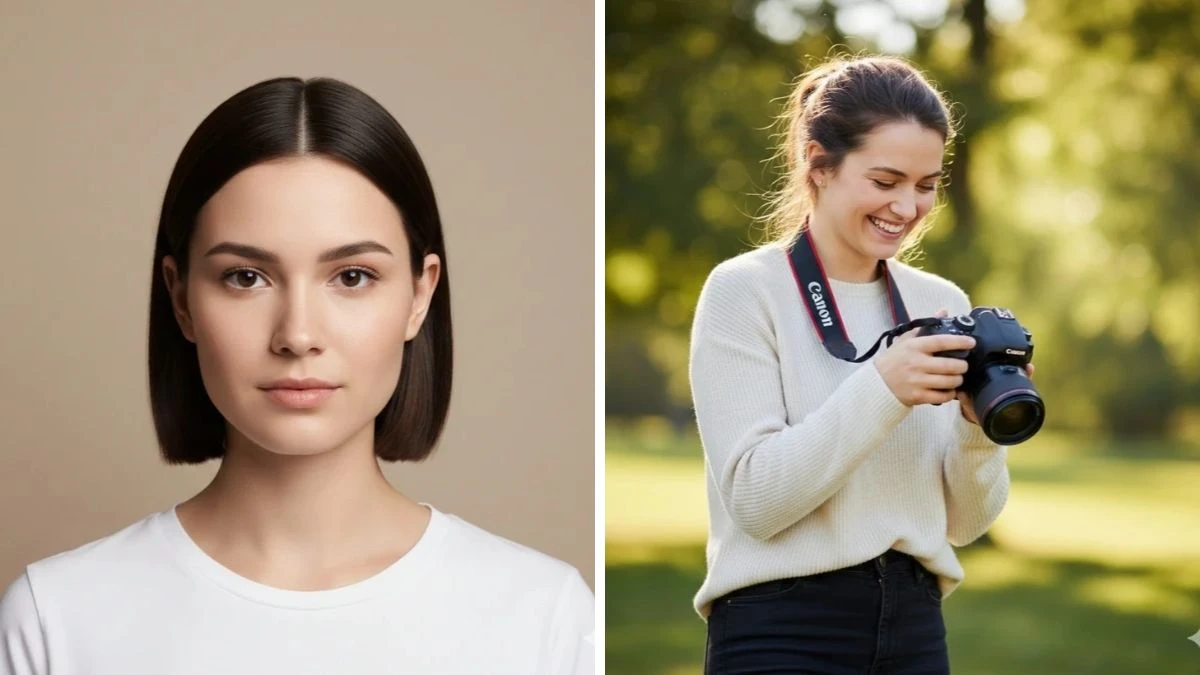
- ✅ Create Instagram-ready stylish portraits in seconds
- ✅ Copy-paste ready - no editing skills required
- ✅ Perfect for girls, influencers, and content creators
Best 15 Google Gemini AI Photo Editing Prompts for Girls to Create Viral Stylish HD Portraits
Google Gemini AI is revolutionizing portrait photography for girls everywhere—no expensive photoshoots, no professional equipment, and no complex editing software needed.
Through the power of advanced AI prompt engineering, any girl can now transform ordinary selfies into stunning, viral-worthy HD portraits that look like they were shot by a professional photographer in a high-end studio.
Whether you're an aspiring Instagram influencer, a content creator building your aesthetic feed, or simply looking for gorgeous profile pictures that capture your unique style, Google Gemini AI's intelligent photo editing capabilities deliver exceptional realism, cinematic quality, and creative precision with just a few words.
In this article, we'll explore 15 expertly crafted prompts specifically designed for girls to create stylish, ultra-realistic portraits. From soft sunlit elegance and café aesthetics to traditional chic and street-style confidence—every prompt transforms your photos into scroll-stopping, viral-ready content that truly stands out.
Prompt 1: Modern Café Aesthetic Portrait
Use This:
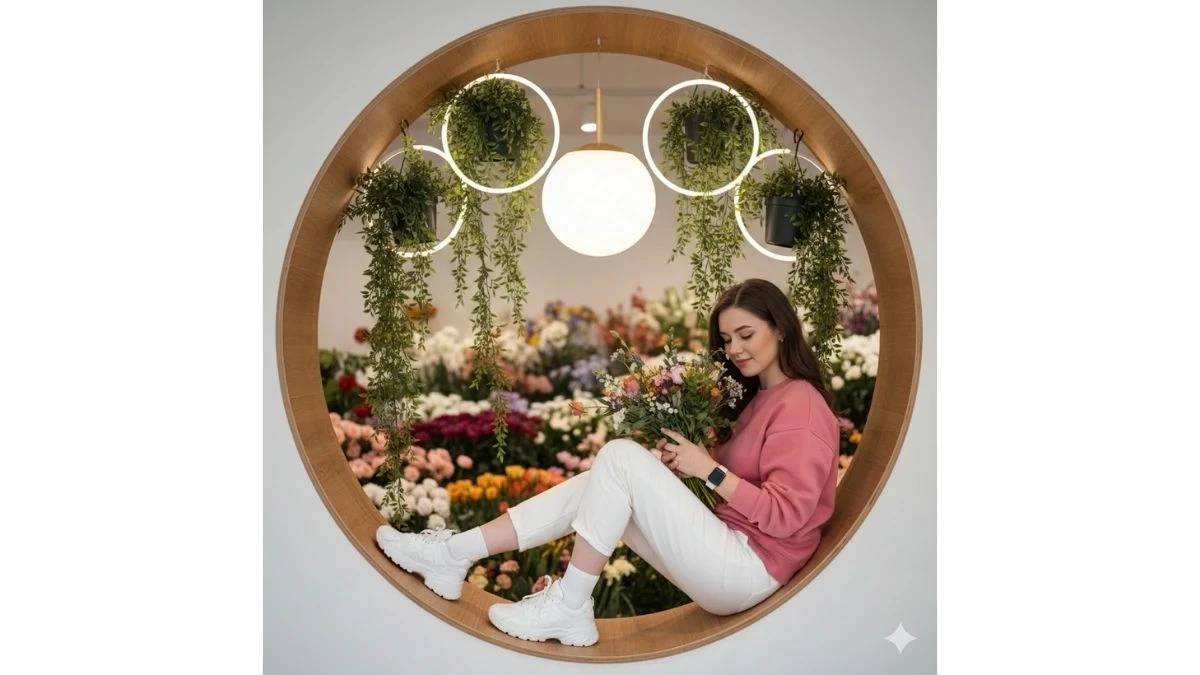
"Create a vibrant indoor lifestyle photograph featuring a young woman with the exact same face as the reference image, seated inside a circular wooden wall nook in a stylish modern café. The nook is surrounded by lush hanging plants, round neon accent lights, and a large white spherical décor element that adds a contemporary artistic touch.
She is captured in a full-body view, wearing a colorful rose-pink full-sleeve sweatshirt, light white trousers, white Apple Watch, white socks, and chunky white sports shoes. Her pose is casual and relaxed, seated comfortably with a natural posture. She holds a fresh flower bouquet in one hand, adding softness and lifestyle charm.
Her eyes are looking toward the camera, with a calm, confident, and approachable expression. The environment has a modern café vibe with flowers softly filling the background. Lighting is bright, soft, and diffused, creating clean skin tones, gentle shadows, and a fresh editorial feel. Use shallow depth of field to subtly blur the background while keeping the subject sharp. Maintain realistic fabric textures, natural colors, and a polished yet candid lifestyle mood. Avoid cartoon effects or heavy filters."
Image Credit: Google Gemini AI
Prompt 2: Outdoor Photographer Portrait
Use This:
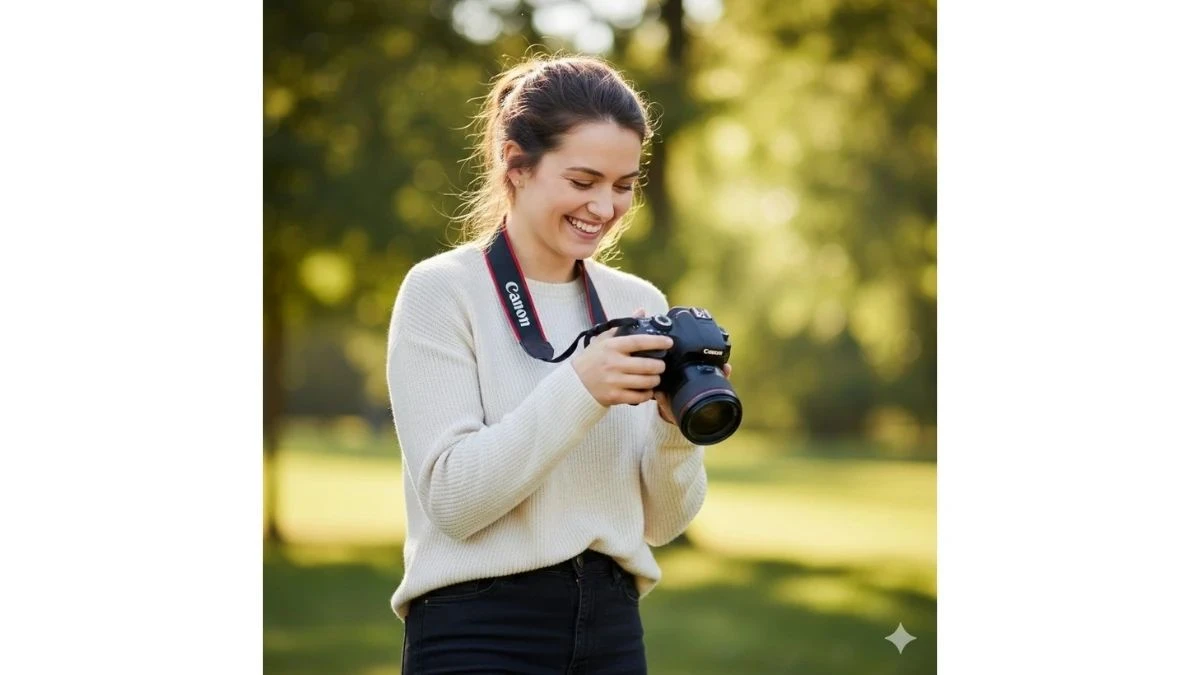
"Create a joyful, ultra-realistic outdoor portrait of a young woman with the uploaded reference face, standing confidently in a natural setting. She is wearing a light cream sweater paired with dark pants, styled clean and casual. She is holding a DSLR camera with a clearly visible Canon camera strap, looking down at the camera as if reviewing a shot, with a natural, happy, and focused expression.
The scene is set outdoors with lush green trees in the background, softly blurred using shallow depth of field (bokeh) to keep the subject in sharp focus. Lighting should be natural daylight, soft and even, creating realistic skin tones and gentle shadows. Capture the image with a professional DSLR photography look, crisp details, realistic fabric textures, and cinematic clarity. Style the shot like a 4K DSLR click, eye-level angle, candid yet polished, with a calm and fresh mood. Avoid artificial filters or cartoon effects."
Image Credit: Google Gemini AI
Prompt 3: Soft Sunlit Elegance
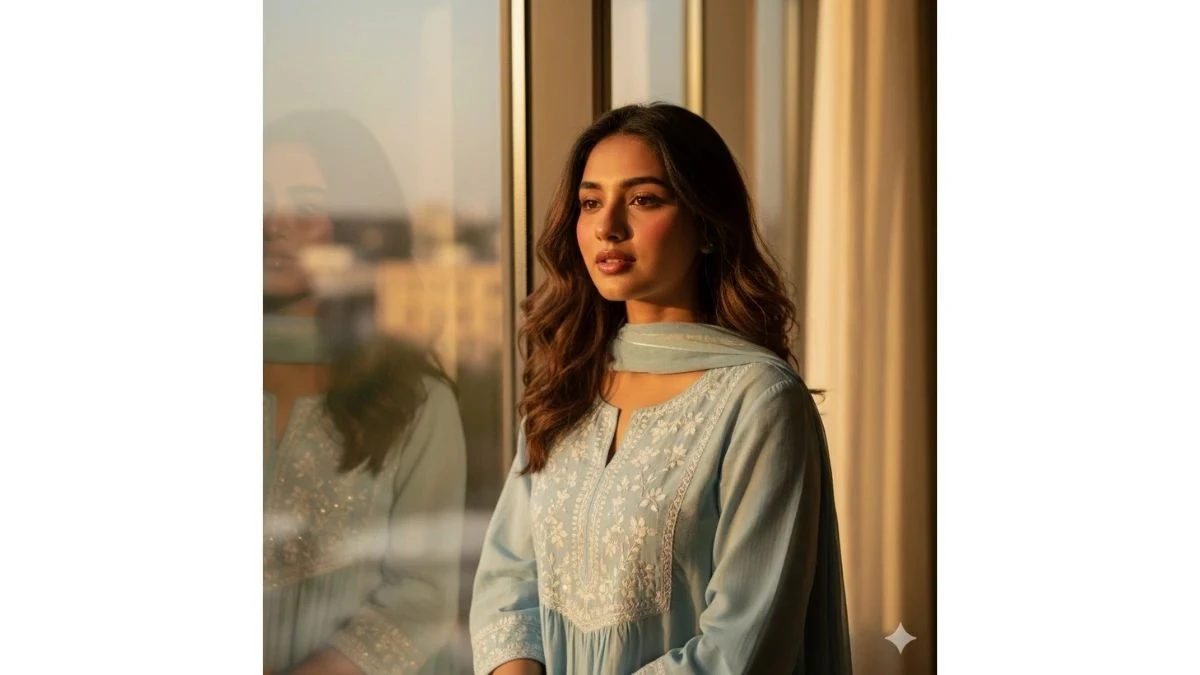
Use This:
"Create an ultra-realistic HD portrait of a young woman in her early 20s standing near a large window during golden-hour sunlight. She wears a soft pastel kurti with minimal embroidery, loose wavy hair, and subtle makeup with glossy lips. Sunlight gently touches her face, highlighting natural skin texture and soft shadows. Use shallow depth of field, warm cinematic lighting, clean background blur, and realistic color grading. Keep the mood calm, graceful, and naturally stylish."
Image Credit: Google Gemini AI
Prompt 4: Modern Cafe Aesthetic
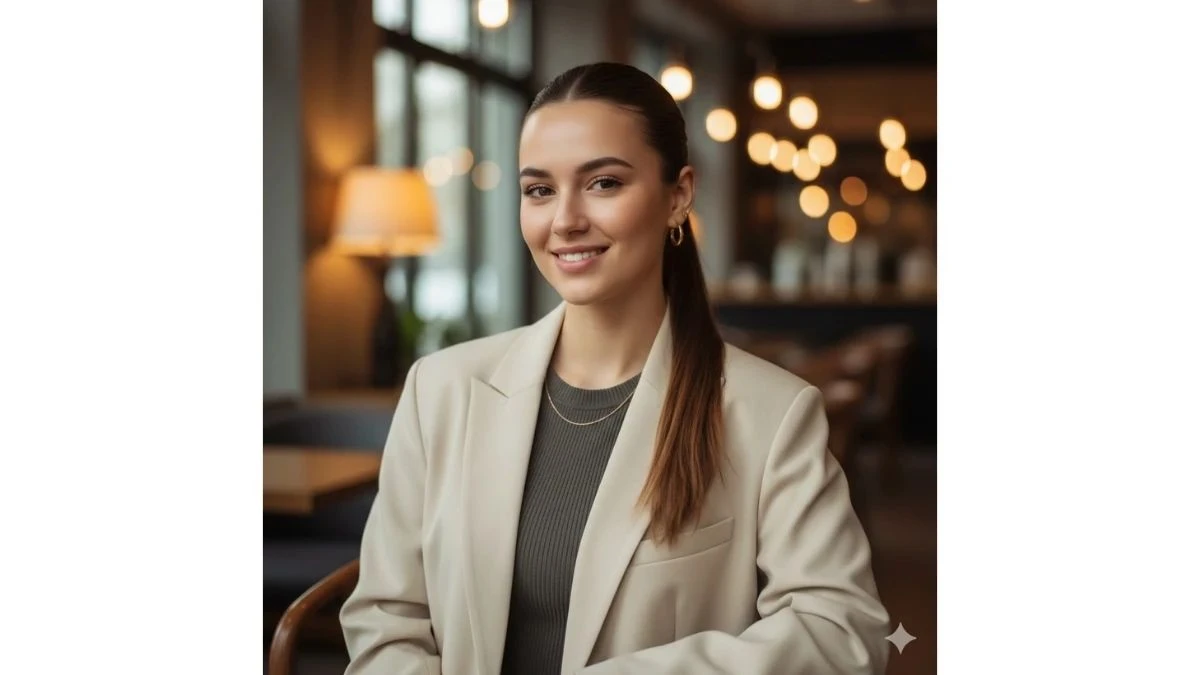
Use This:
"Create a cinematic HD portrait of a young woman seated in a modern cafe with soft ambient lighting. She wears a trendy oversized blazer over a fitted top, sleek ponytail, and minimal jewelry. She looks casually toward the camera with a confident smile. Background shows blurred cafe interiors and warm bokeh lights. Use natural skin tones, cinematic depth of field, and sharp facial focus for a modern, stylish look."
Image Credit: Google Gemini AI
Prompt 5: Traditional Chic Glow
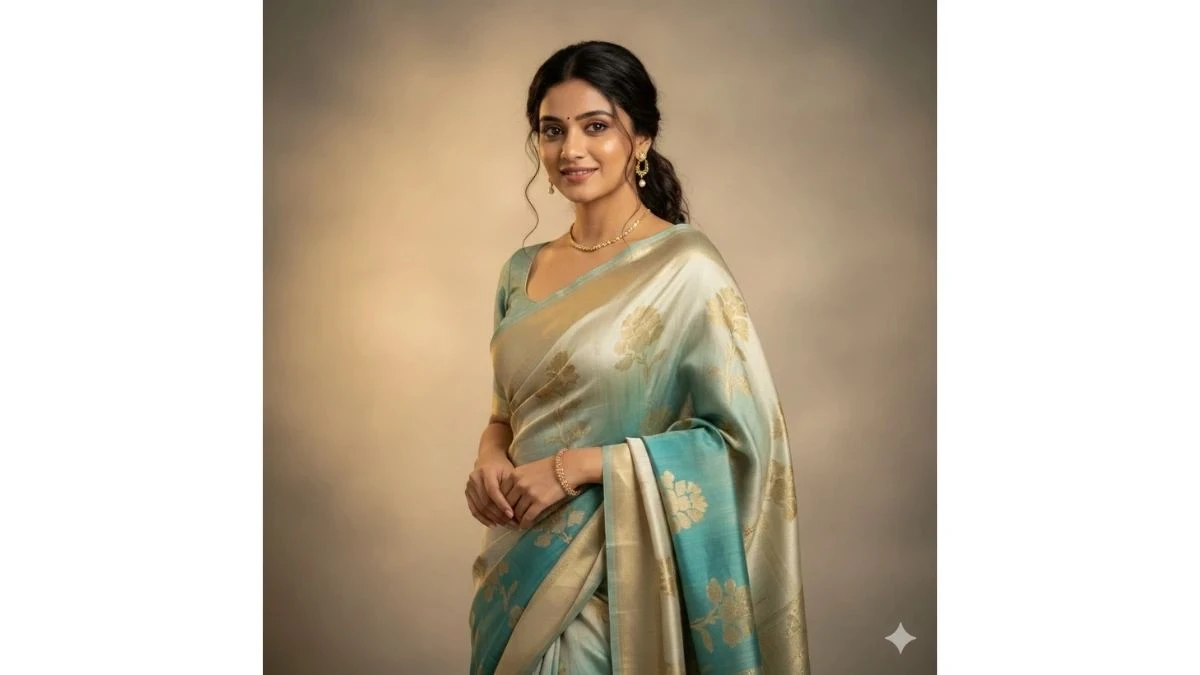
Use This:
"Create an ultra-realistic portrait of a young Indian woman wearing a modern-styled silk saree with subtle jewelry. She stands against a softly lit neutral background, smiling gently. Her hair is neatly styled with loose strands framing her face. Use warm studio-style lighting, realistic fabric textures, shallow depth of field, and HD clarity. Keep the look elegant, traditional, yet trendy."
Image Credit: Google Gemini AI
Prompt 6: Street Style Confidence
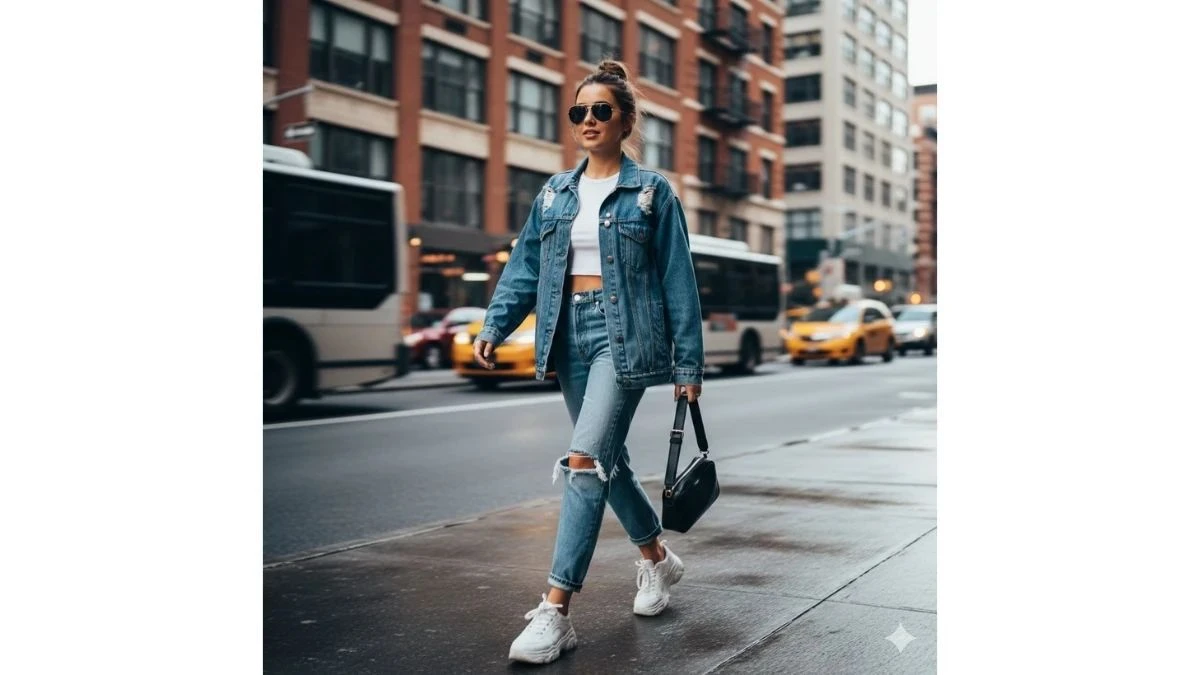
Use This:
"Create a high-definition urban street-style portrait of a young woman walking confidently on a city street. She wears a denim jacket, sunglasses, and casual sneakers. Natural daylight creates soft highlights on her face. Background buildings appear blurred with motion depth. Use cinematic contrast, sharp focus, and modern color grading."
Image Credit: Google Gemini AI
Prompt 7: Cozy Indoor Aesthetic
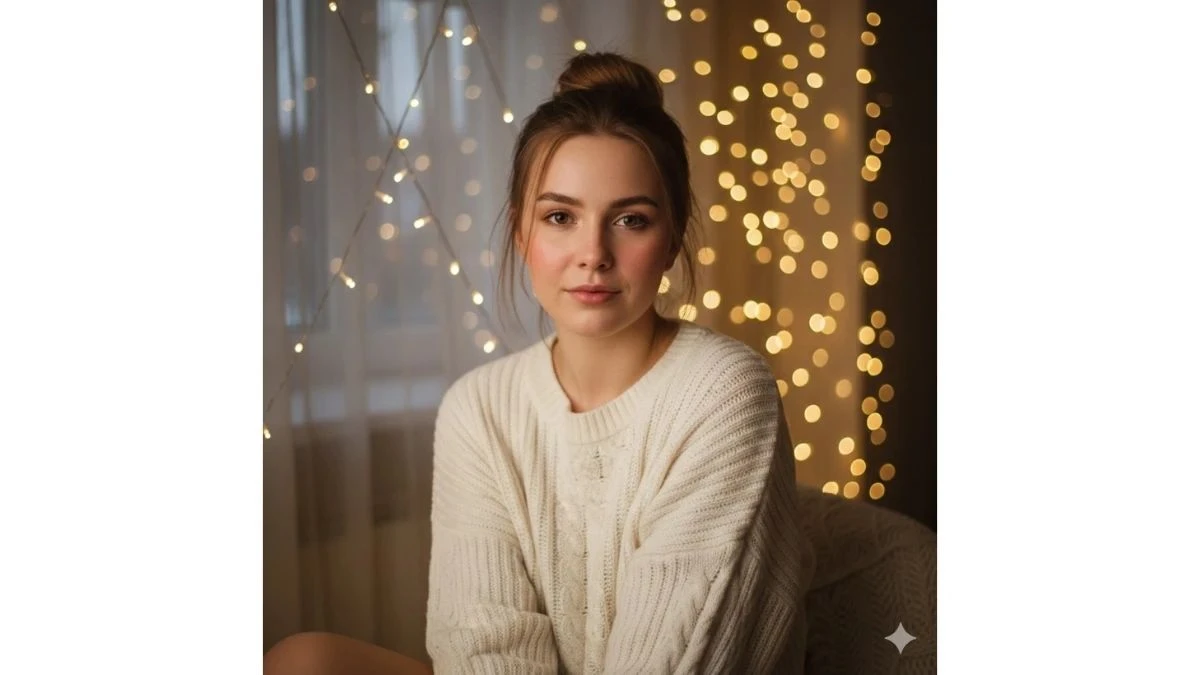
Use This:
"Create an ultra-realistic HD portrait of a young woman sitting indoors near soft fairy lights. She wears a cozy sweater, hair in a loose bun, and natural makeup. Warm indoor lighting casts a soft glow on her face. The background is blurred with golden bokeh. Maintain natural skin texture and calm, aesthetic vibes."
Image Credit: Google Gemini AI
Prompt 8: Natural Outdoor Beauty
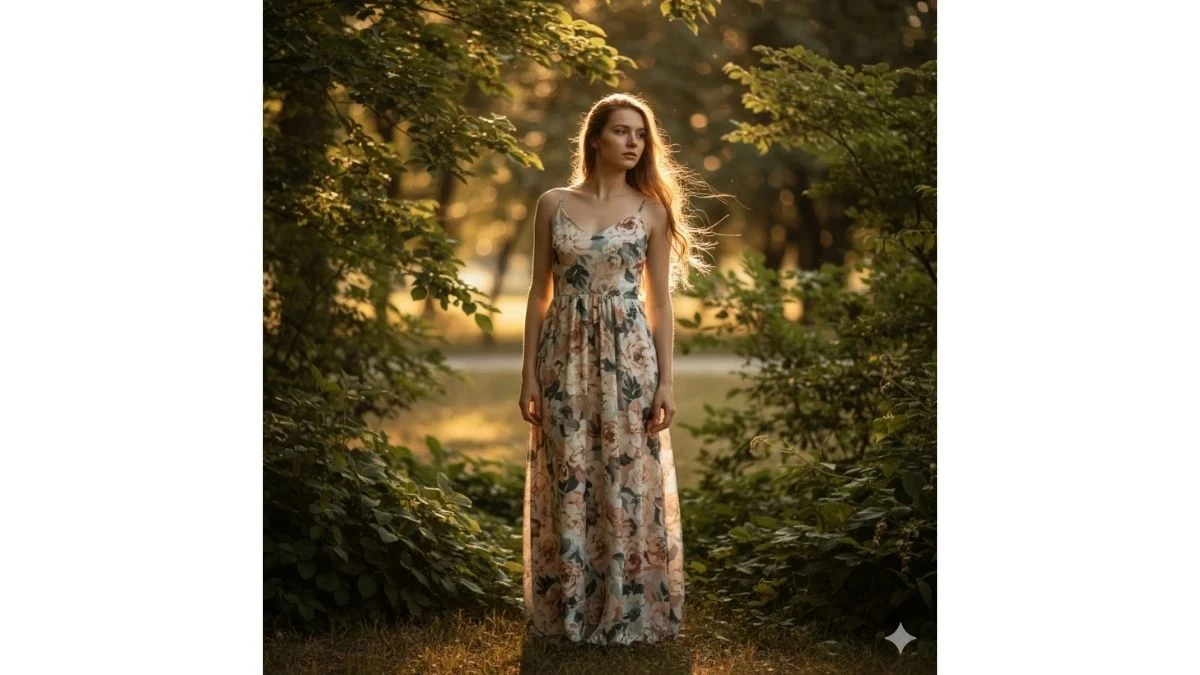
Use This:
"Create a cinematic outdoor portrait of a young woman standing in a park surrounded by greenery. She wears a flowy floral dress, hair gently moving in the breeze. Sunlight filters through leaves, creating soft highlights and shadows. Use shallow depth of field, warm natural tones, and ultra-realistic detail."
Image Credit: Google Gemini AI
Prompt 9: Minimal Studio Portrait
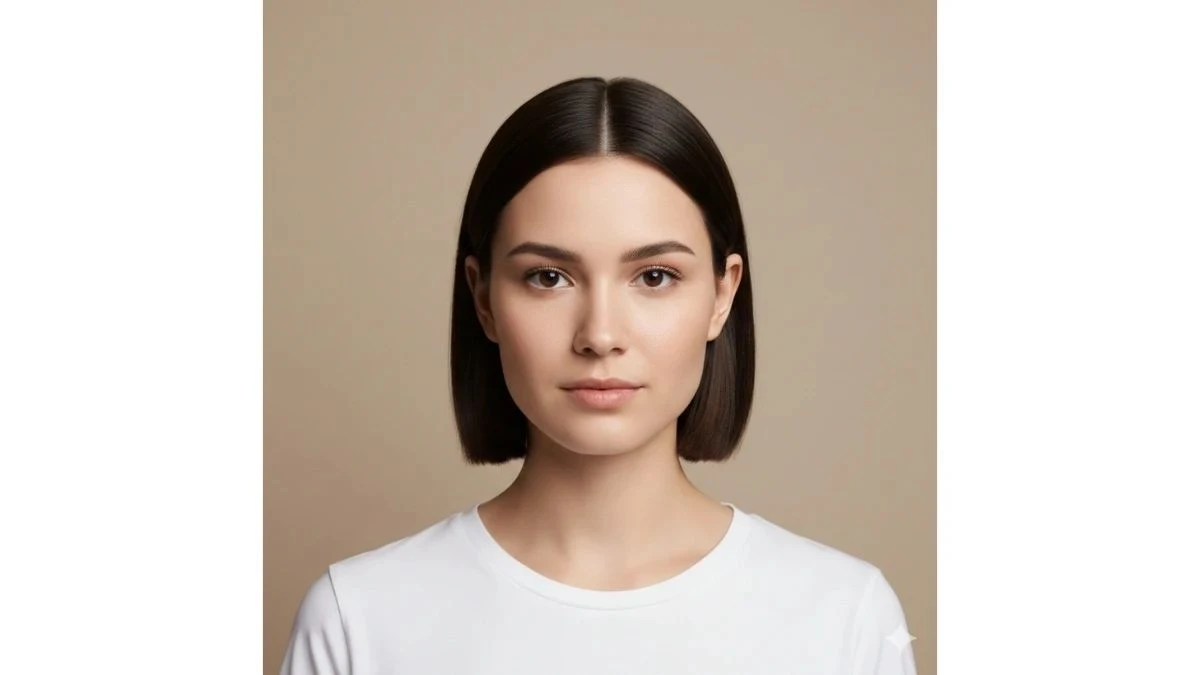
Use This:
"Create an ultra-clean studio-style HD portrait of a young woman against a plain beige background. She wears a simple white top, sleek hair, and minimal makeup. Lighting is soft and even, highlighting facial features naturally. Use sharp focus, realistic textures, and subtle shadows."
Image Credit: Google Gemini AI
Prompt 10: Evening Glow Glam
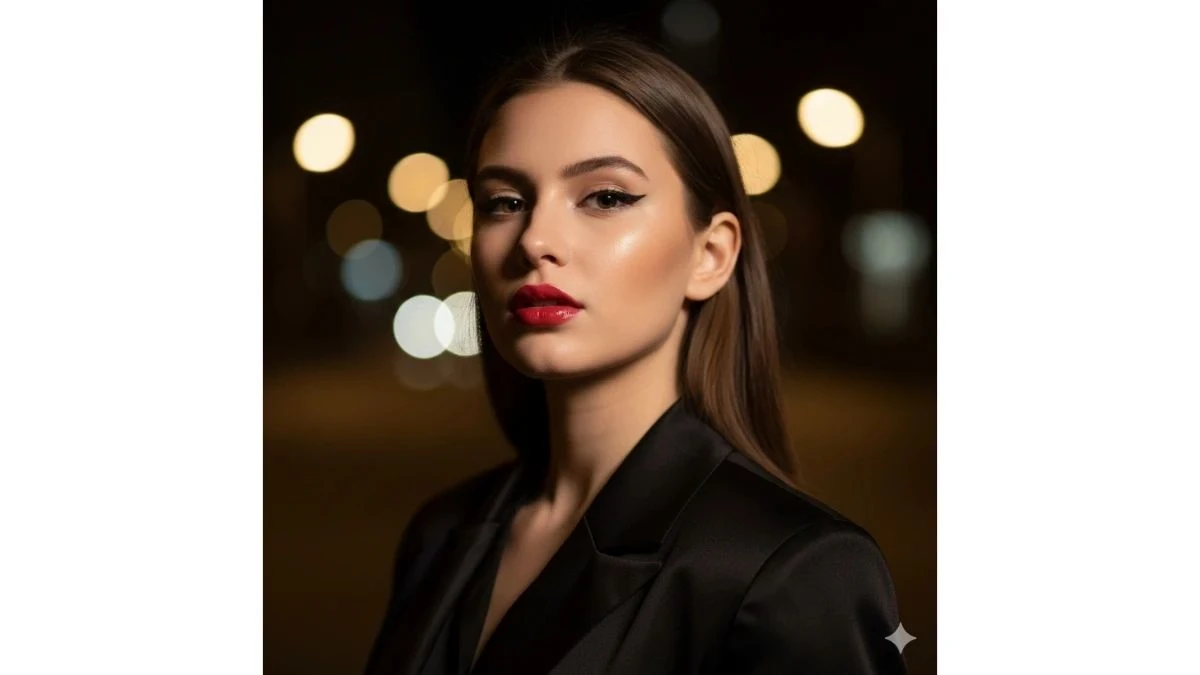
Use This:
"Create a cinematic evening portrait of a young woman under soft artificial lights. She wears a stylish black outfit, bold eyeliner, and glossy lips. Warm lights create soft bokeh in the background. Use high contrast, shallow depth of field, and HD clarity for a glamorous look."
Image Credit: Google Gemini AI
Prompt 11: Vintage Film Look
Use This:
"Create an HD portrait inspired by vintage film photography. A young woman wears a classic dress with retro accessories. Lighting is soft and diffused with slight film grain effect. Background is blurred with warm tones. Keep realistic skin texture and nostalgic color grading."
Image Credit: Google Gemini AI
Prompt 12: Window Light Portrait
Use This:
"Create an ultra-realistic HD portrait of a young woman sitting beside a window with sheer curtains. Natural daylight softly illuminates her face. She wears a neutral-tone outfit with minimal jewelry. Use soft shadows, shallow depth of field, and natural color balance."
Image Credit: Google Gemini AI
Prompt 13: Power Pose Editorial
Use This:
"Create a cinematic editorial-style portrait of a young woman standing confidently with crossed arms. She wears a structured blazer and modern outfit. Lighting is dramatic but soft, highlighting facial features. Background is minimal with shallow blur."
Image Credit: Google Gemini AI
Prompt 14: Beachside Glow
Use This:
"Create a cinematic HD beach portrait of a young woman during sunset. She wears a light summer dress, hair flowing naturally. Warm sunlight highlights her skin, with ocean waves softly blurred in the background."
Image Credit: Google Gemini AI
Prompt 15: Floral Backdrop Elegance
Use This:
"Create an ultra-realistic HD portrait of a young woman standing against a floral backdrop. She wears a pastel outfit with minimal makeup. Soft lighting enhances skin texture and floral colors. Use shallow depth of field and warm tones."
Image Credit: Google Gemini AI
How to Create Viral HD Portraits with Google Gemini AI (Step-by-Step Guide)
According to Google's official Gemini AI documentation, advanced prompt engineering techniques can dramatically improve the quality and realism of AI-generated portraits. Follow these steps to create stunning viral HD portraits:
1. Access Google Gemini AI
- Open gemini.google.com or launch the Gemini mobile app, and sign in to your Google account.
2. Upload Your Reference Photo
- Select a clear, well-lit selfie or portrait photo. Ensure your face is fully visible, with natural lighting and no heavy filters for best results.
3. Navigate to Image Creation
- Click on the "Create image" or "Photo editing" option in the Gemini interface.
4. Copy-Paste Your Chosen Prompt
- Select one of the 15 prompts above and paste it into the prompt field. Add specific instructions like:
- "Keep my real face exactly as shown, ultra-realistic skin texture, no cartoon effect, Instagram-style HD portrait"
5. Set Quality Preferences
- Choose your desired settings:
- Aspect Ratio: Portrait/Vertical (9:16 or 4:5)
- Resolution: HD or 4K (highest available)
- Style: Realistic, Natural, or Photographic
6. Generate Your Portrait
- Click "Generate" and wait 10-30 seconds for Gemini AI to create your portrait. Review the result carefully.
7. Refine and Regenerate
- If needed, adjust 1-2 elements in your prompt (outfit color, background, lighting mood) and regenerate until you achieve your desired look.
8. Download and Share
- Save your final HD portrait, crop it to fit your platform (square for Instagram posts, vertical for Reels covers), and share your viral-ready content.
Related Articles
Disclaimer : The above information is for general informational purposes only. All information on the Site is provided in good faith, however we make no representation or warranty of any kind, express or implied, regarding the accuracy, adequacy, validity, reliability, availability or completeness of any information on the Site.